How to Manage Product (For Admin User Only)


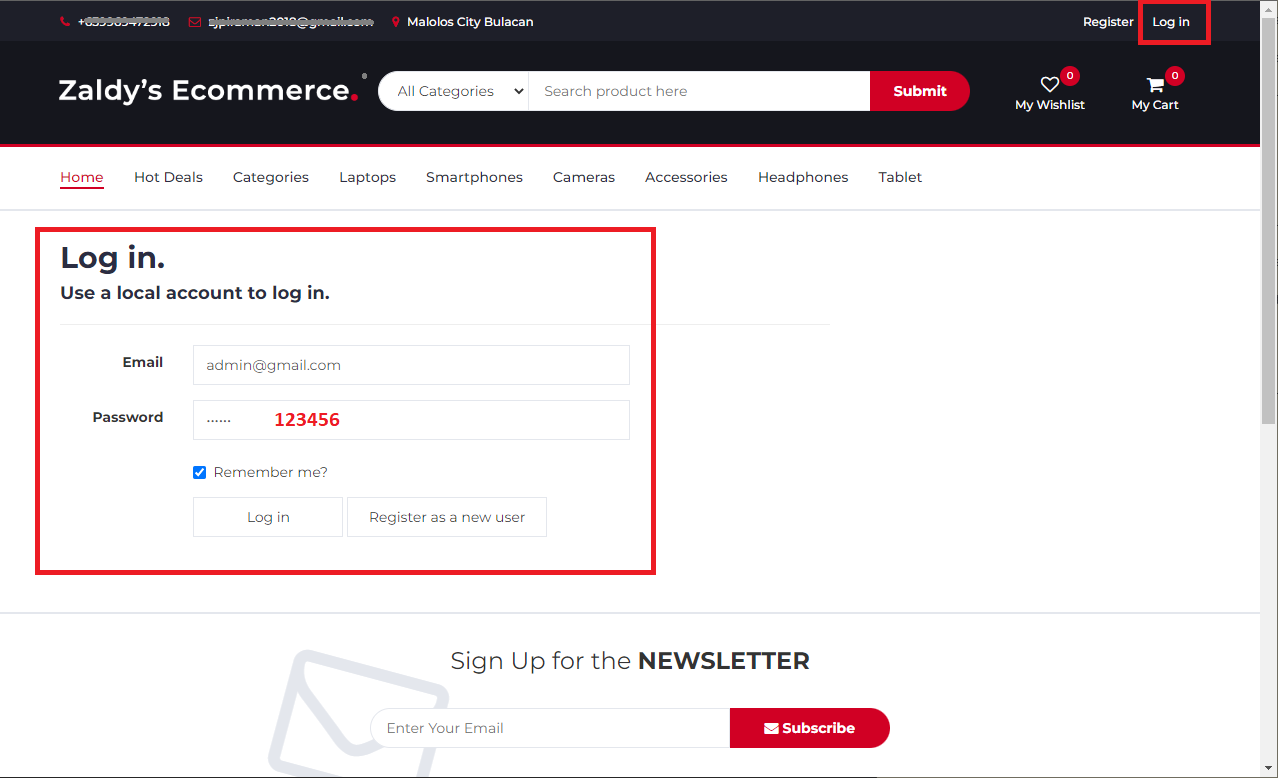
1. Login Admin Account enter Email: admin@gmail.com / Password: 123456
login admin account

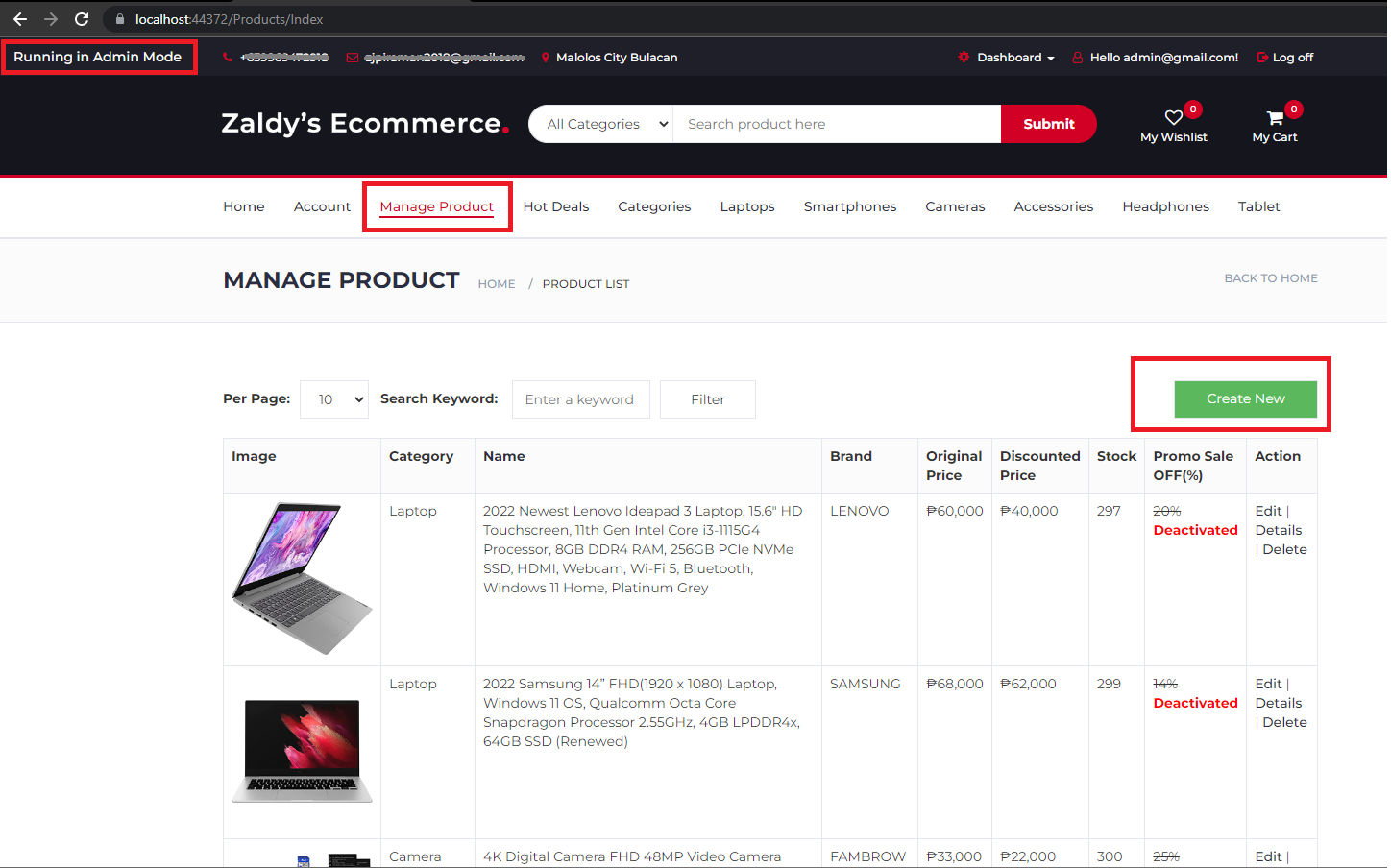
2. To create new product open manage product page then click "Create New" button

create new product

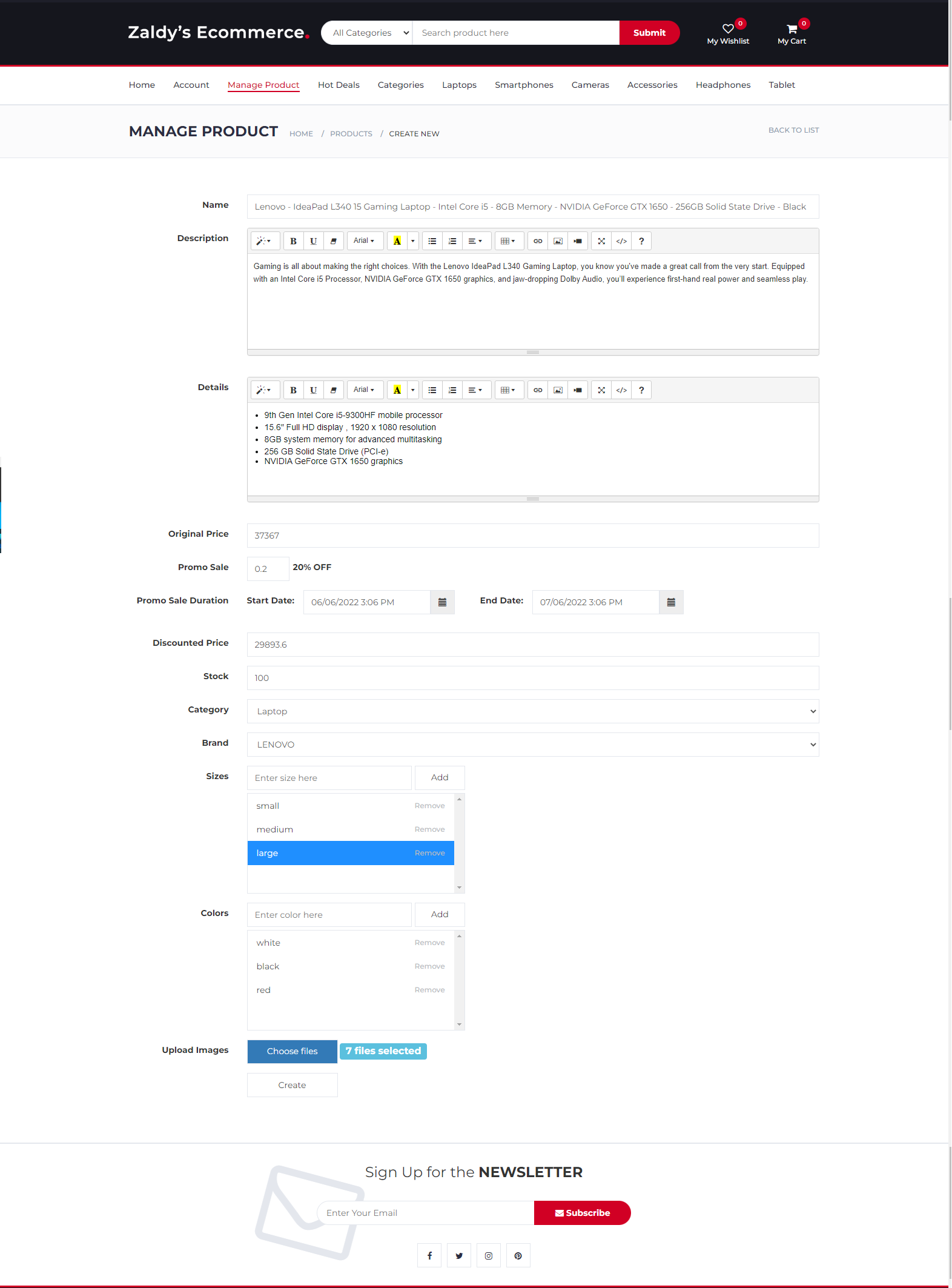
Enter product details including description price promo brand category and images as show below.

add to cart details

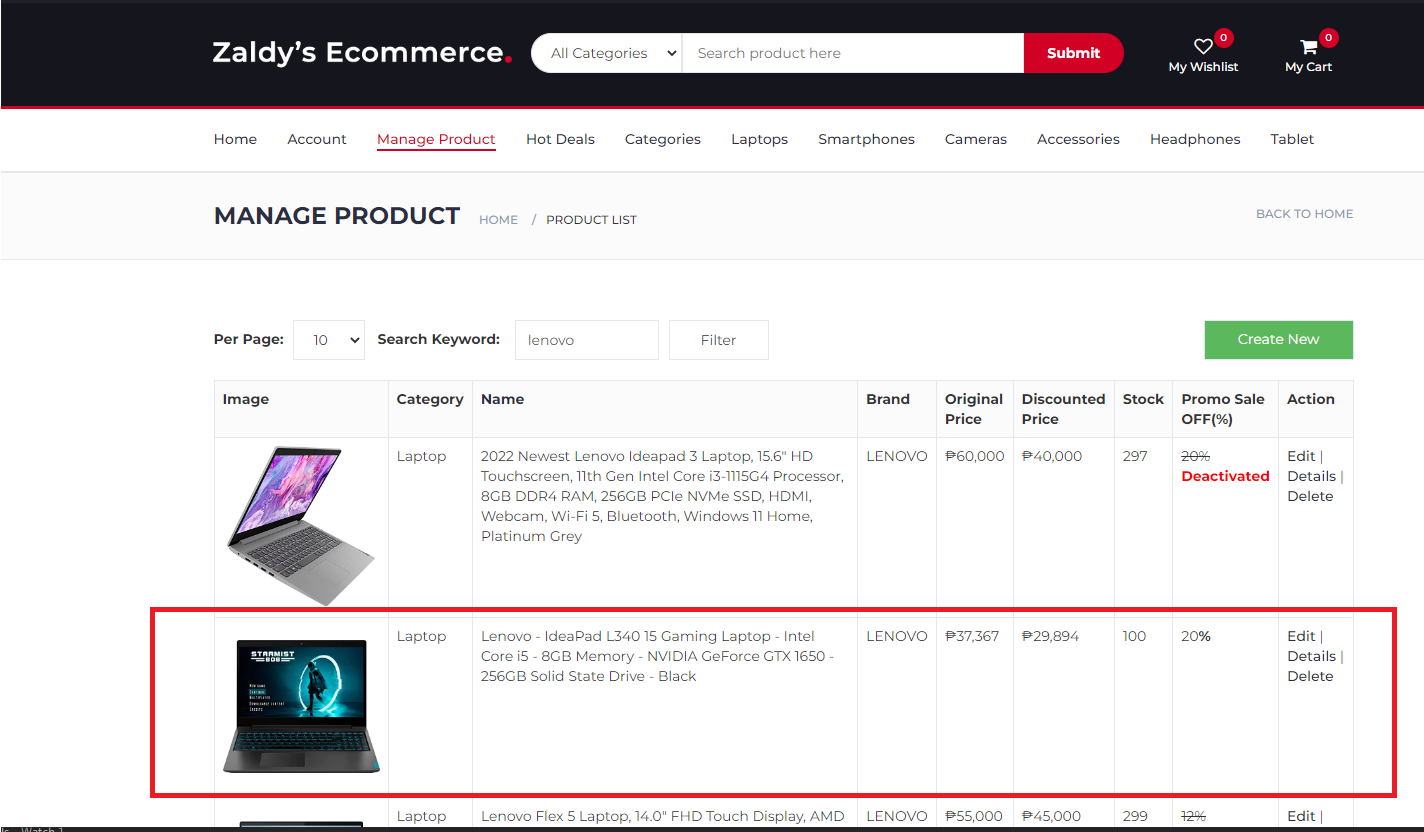
When create new product succeed it will be added to product list on manage product page as shown below.

add product succeed

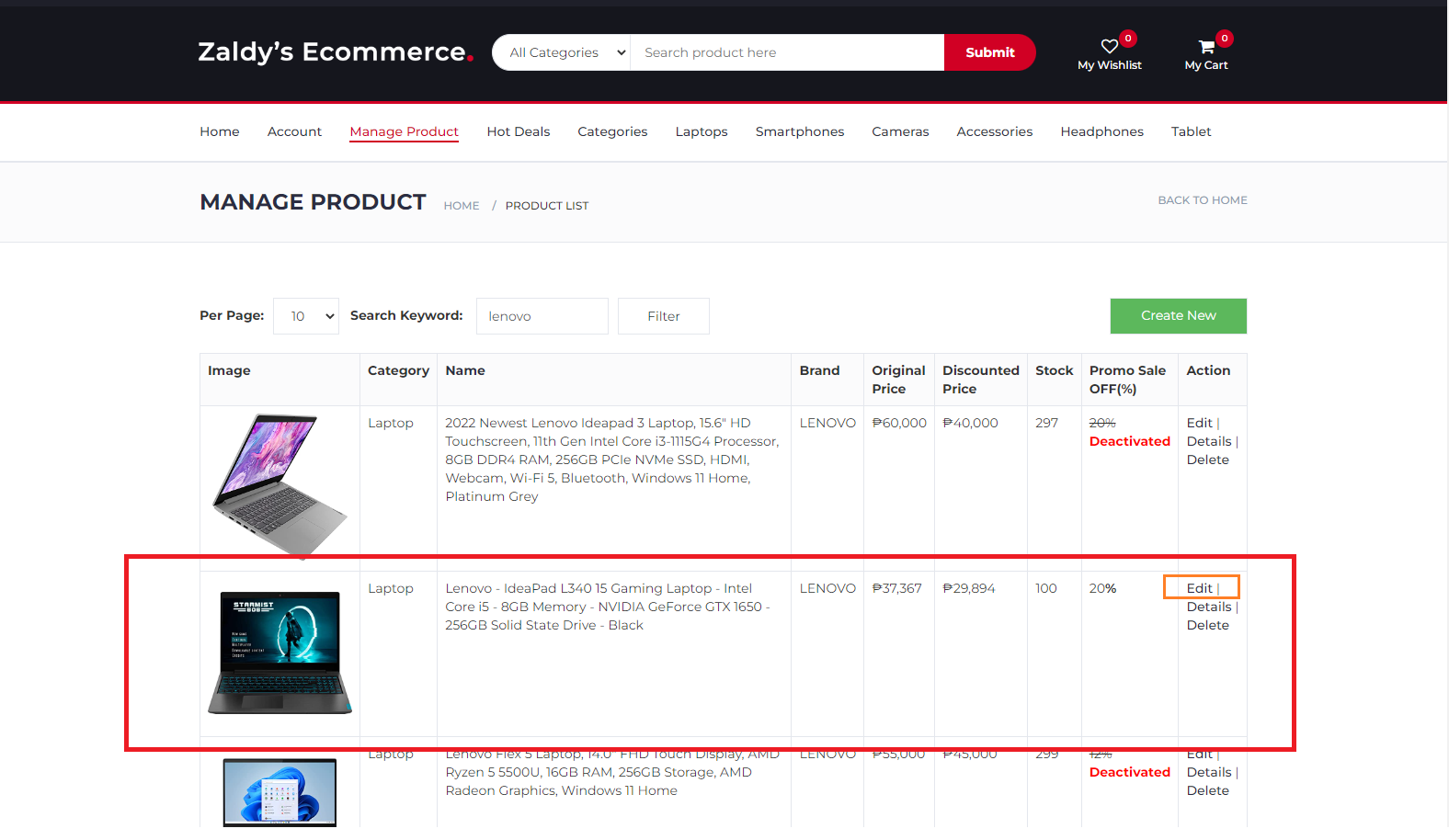
3. To Update product details go to Manage product page then click the edit link right side of the selected product

edit product details

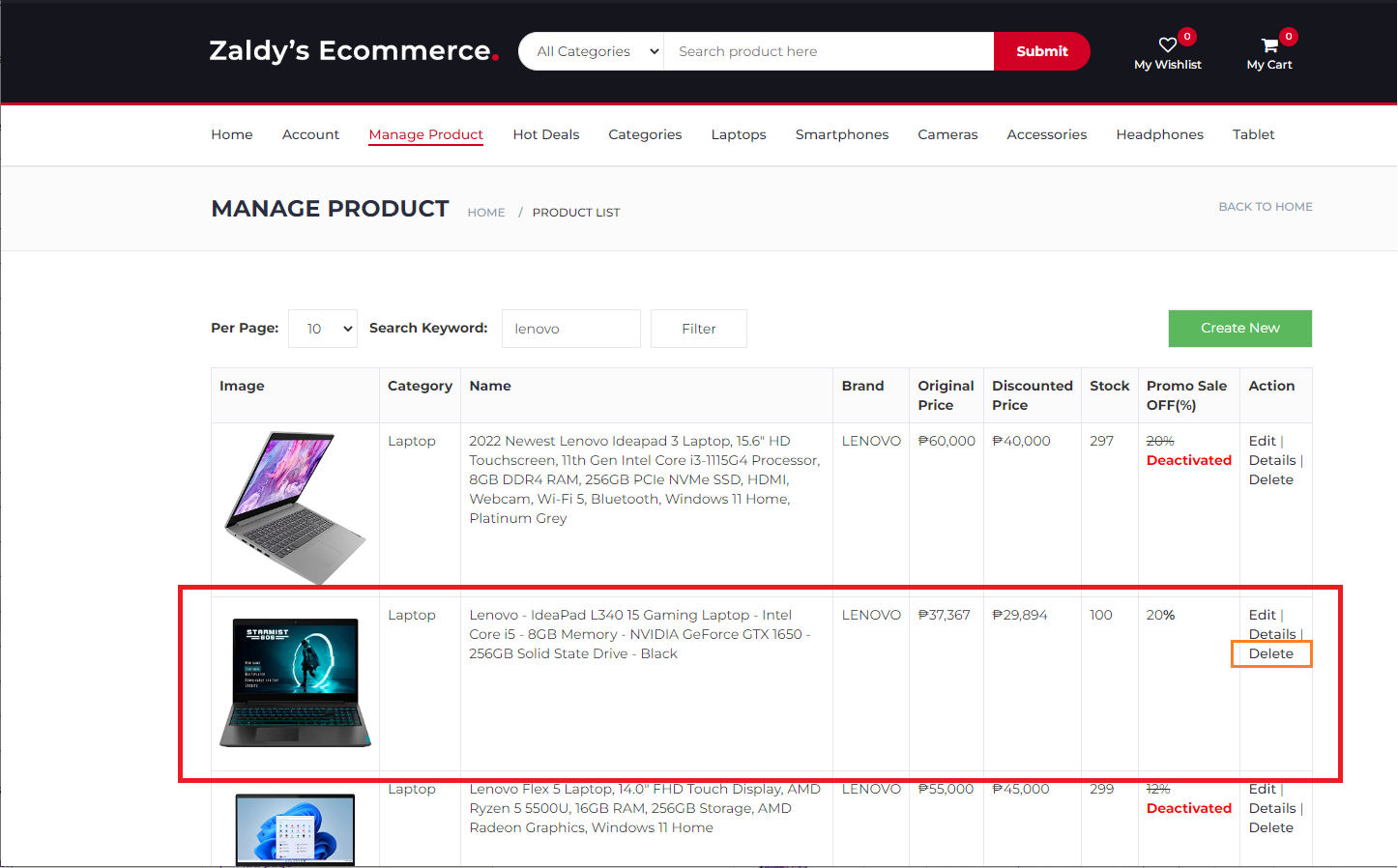
4. To delete Product go to Manage product page then click the delete link right side of the selected product

delete product

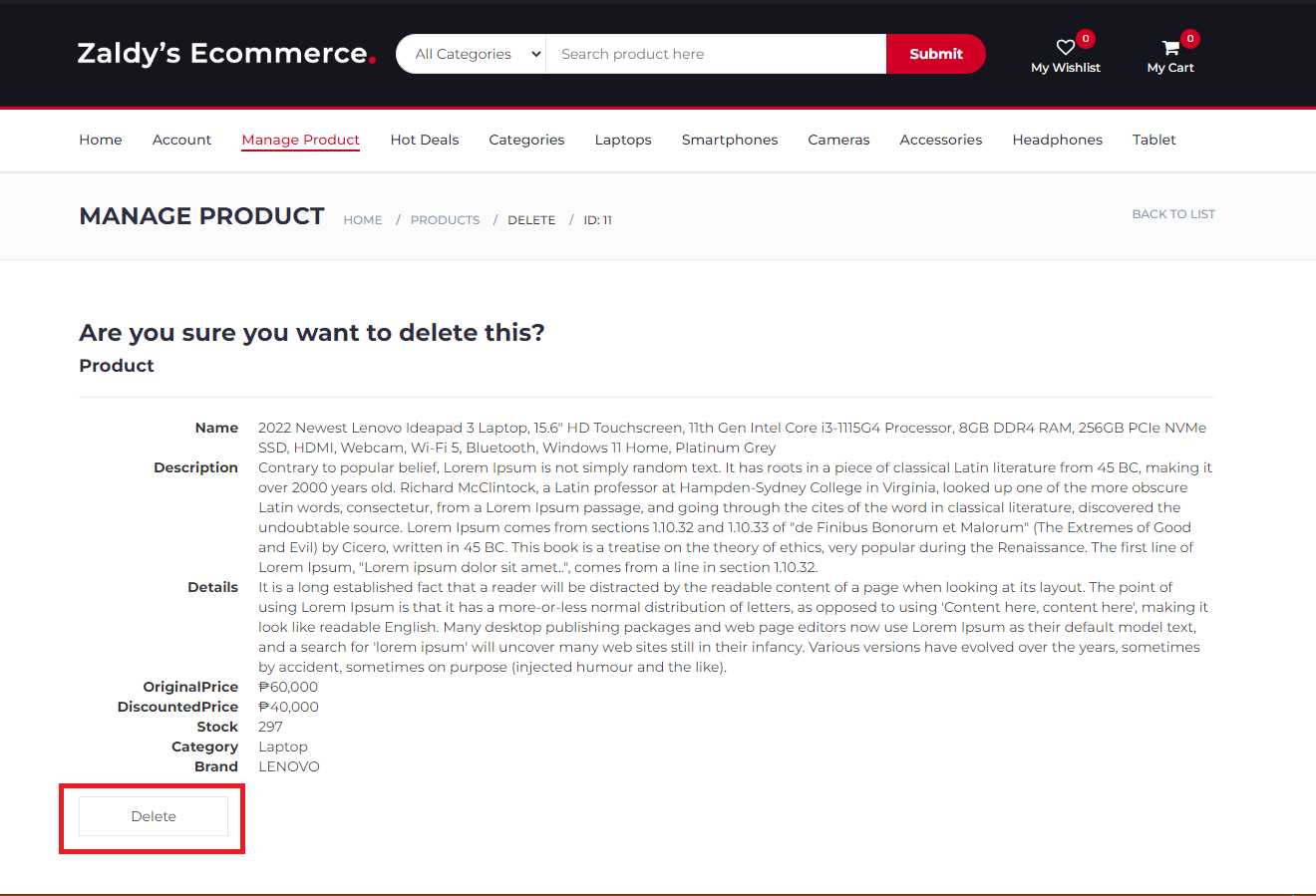
On product confirm deletion page click delete

add product succeed

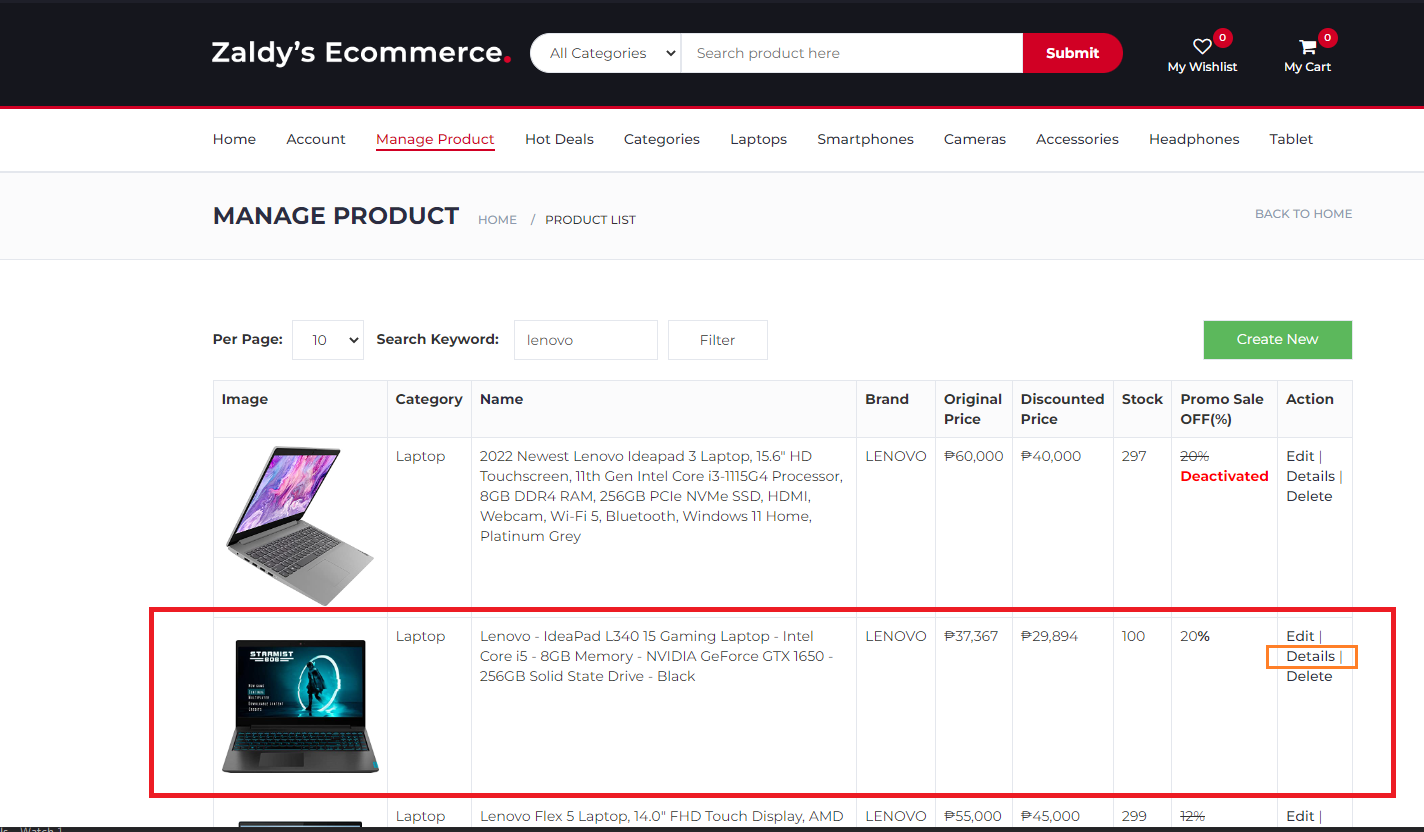
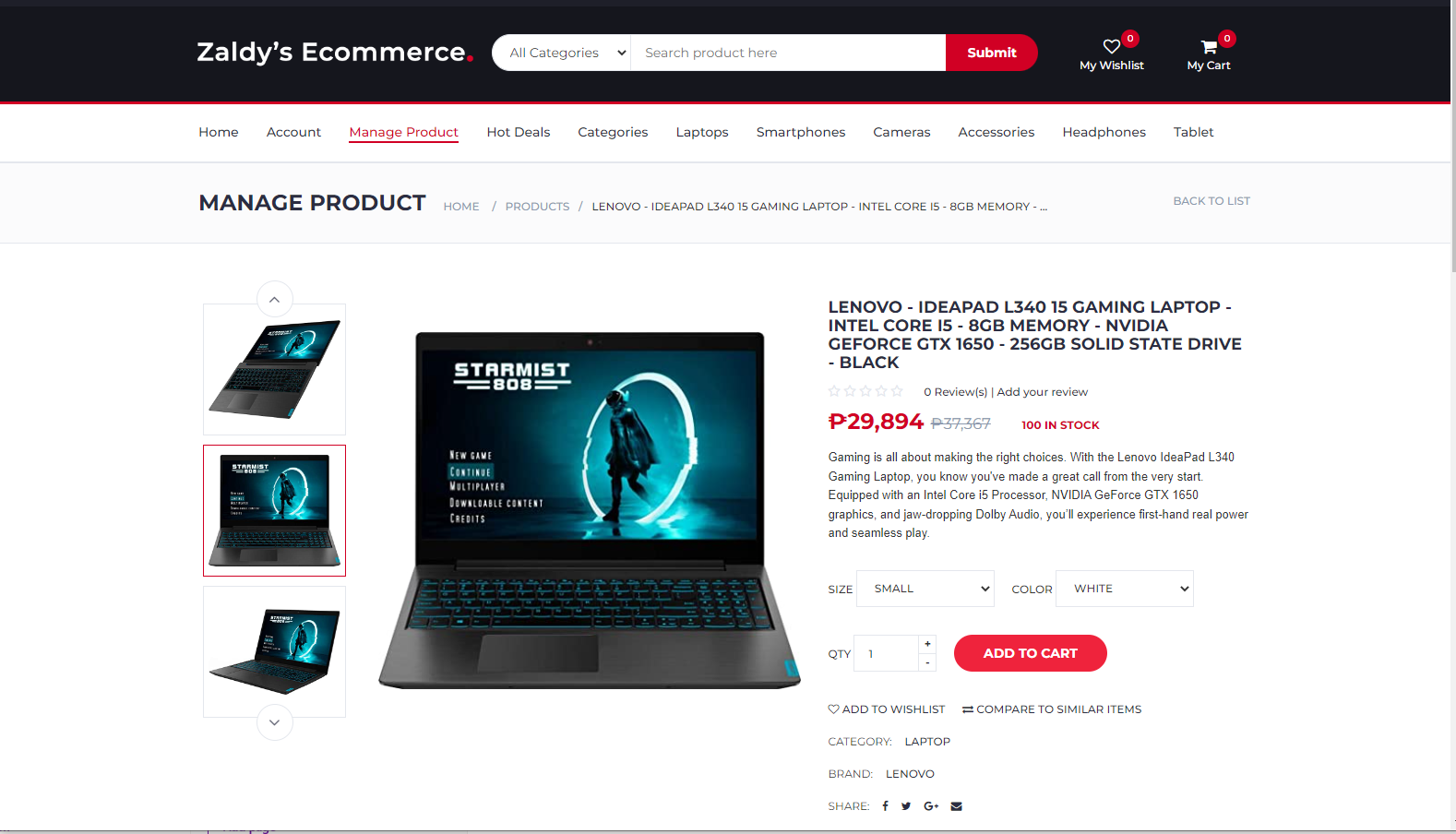
5. To view Product Details go to Manage product page then click the details link right side of the selected product

remove to cart


add product succeed

Web hosting by Somee.com